
B4A-Bridge Plus Prime2.12.4 - Google Play
You'll be able to see results in few seconds.
Publisher Description
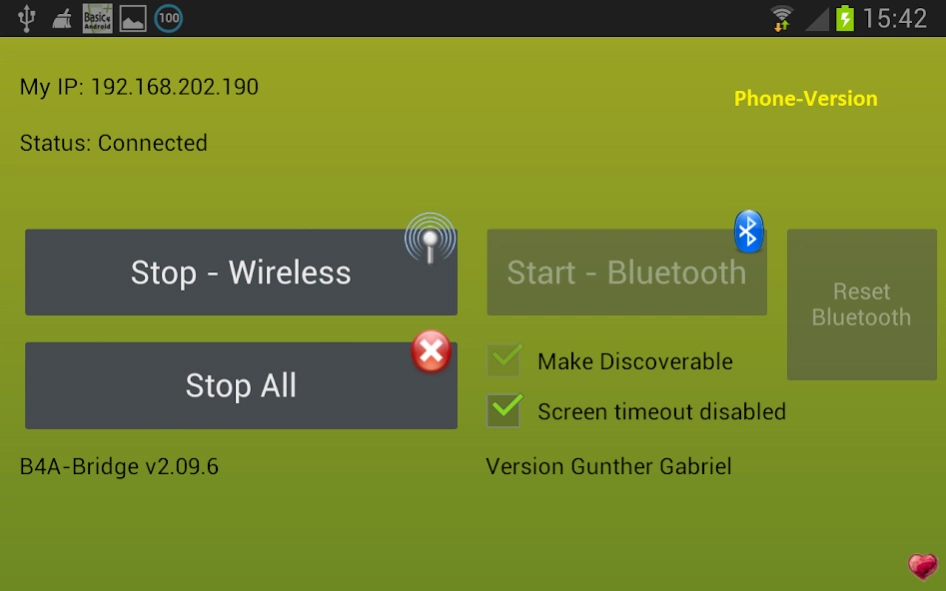
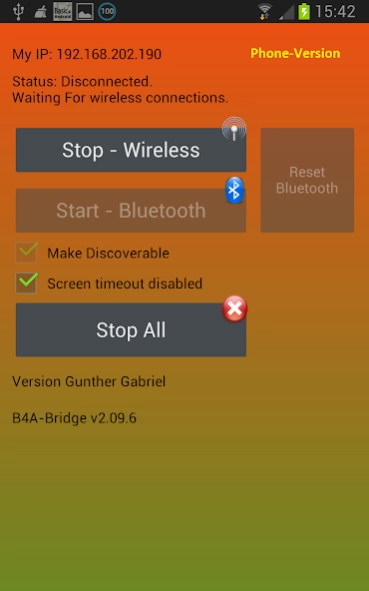
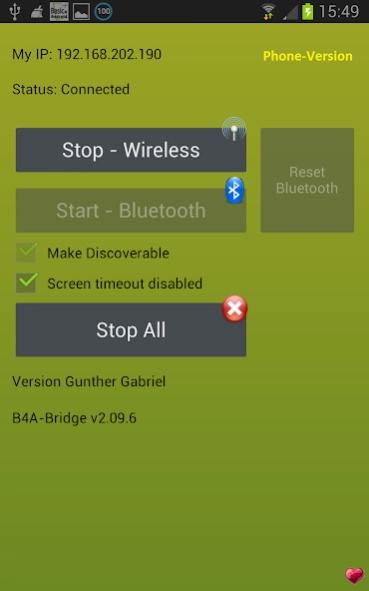
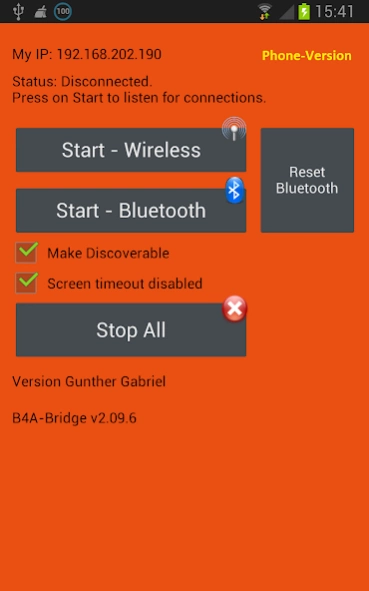
B4A-Bridge Plus Prime is a tool for Basic4android developers. No Ads.
B4A-Bridge Plus Prime is based on the B4A-Bridge 2.12 of Anywhere Software but some features are added:
You may have a need for the MultiBridge for connection of several devices at once:
http://www.b4x.com/android/forum/threads/using-custombuildaction-to-deploy-to-multiple-devices-at-once.41210/#post-247508
* Wakelock can be enabled to prevent the screen goes off during usage.
* Design shows the connection status by colors for easy supervision
* Packet counter and progressbar added for easy transmission control
B4A-Bridge Plus Prime is a tool for Basic4android developers which allows you to connect the IDE to physical devices over the local network or a Bluetooth connection.
See http://www.basic4android.com for more information.
B4A-Bridge was written in Basic4android. The source code is available in the forum.
B4A-Bridge doesn't contact any external server, althrou for Ads Servers for download ads.
The "read sensitive log data" permission is required in order to show the app logs in the IDE.
red: Bridge not connected or no IP address
green/red: Bridge is waiting for Connection
green: Bridge is connected
The basic funtionallity of the bridge itself is not changed.
2.12.4:
reduced Memory footprint (410k -> 230k)
Connection Status will be shown in the Icon of notification bar
Wakelock also held when the app is in listening status while in background
About B4A-Bridge Plus Prime
The company that develops B4A-Bridge Plus Prime is Gunther Gabriel. The latest version released by its developer is 2.12.4.
To install B4A-Bridge Plus Prime on your Android device, just click the green Continue To App button above to start the installation process. The app is listed on our website since 2015-05-21 and was downloaded 0 times. We have already checked if the download link is safe, however for your own protection we recommend that you scan the downloaded app with your antivirus. Your antivirus may detect the B4A-Bridge Plus Prime as malware as malware if the download link to anywheresoftware.b4a.b4abridge_pro_gg is broken.
How to install B4A-Bridge Plus Prime on your Android device:
- Click on the Continue To App button on our website. This will redirect you to Google Play.
- Once the B4A-Bridge Plus Prime is shown in the Google Play listing of your Android device, you can start its download and installation. Tap on the Install button located below the search bar and to the right of the app icon.
- A pop-up window with the permissions required by B4A-Bridge Plus Prime will be shown. Click on Accept to continue the process.
- B4A-Bridge Plus Prime will be downloaded onto your device, displaying a progress. Once the download completes, the installation will start and you'll get a notification after the installation is finished.
Program Details
System requirements
Download information
Pricing
Version History
version 2.12.4
posted on 2015-05-21
2.12.4,* reduced Memory footprint,* better WakeLock
Disclaimer
Official Google Play Link
We do not host B4A-Bridge Plus Prime on our servers. We did not scan it for viruses, adware, spyware or other type of malware. This app is hosted by Google and passed their terms and conditions to be listed there. We recommend caution when installing it.
The Google Play link for B4A-Bridge Plus Prime is provided to you by apps112.com without any warranties, representations or guarantees of any kind, so access it at your own risk.
If you have questions regarding this particular app contact the publisher directly. For questions about the functionalities of apps112.com contact us.
